
Obd2 Gauges Display Heads up Display for Cars F9 with Navigation
Obd2 Gauges Display Heads up Display for Cars F9 with Navigation, Digital Speedometer for Car with Water Temperature, Voltage, Fuel Consumption, RPM,Multiple Alarm Functions, Speedometer Plug and Play
About this item
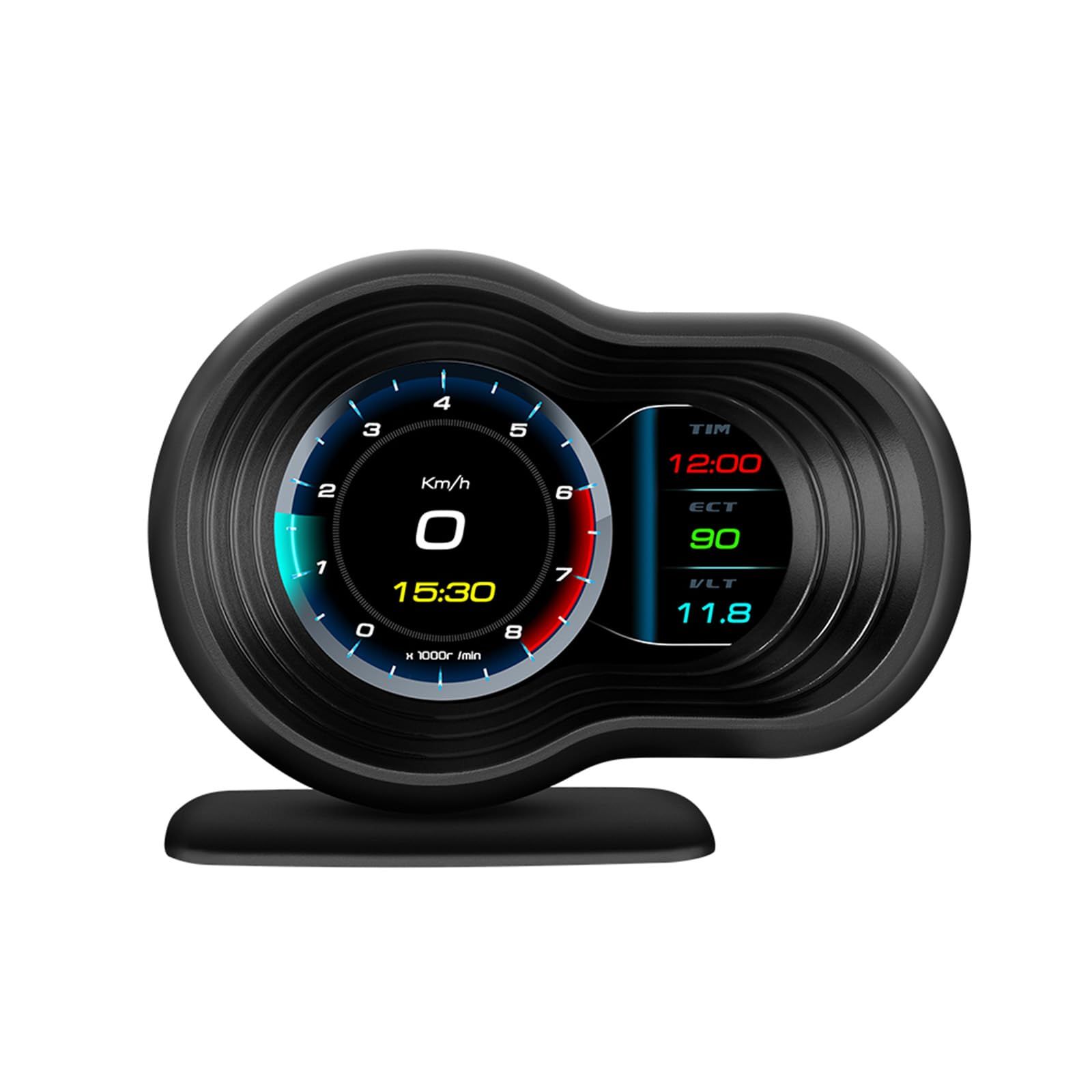
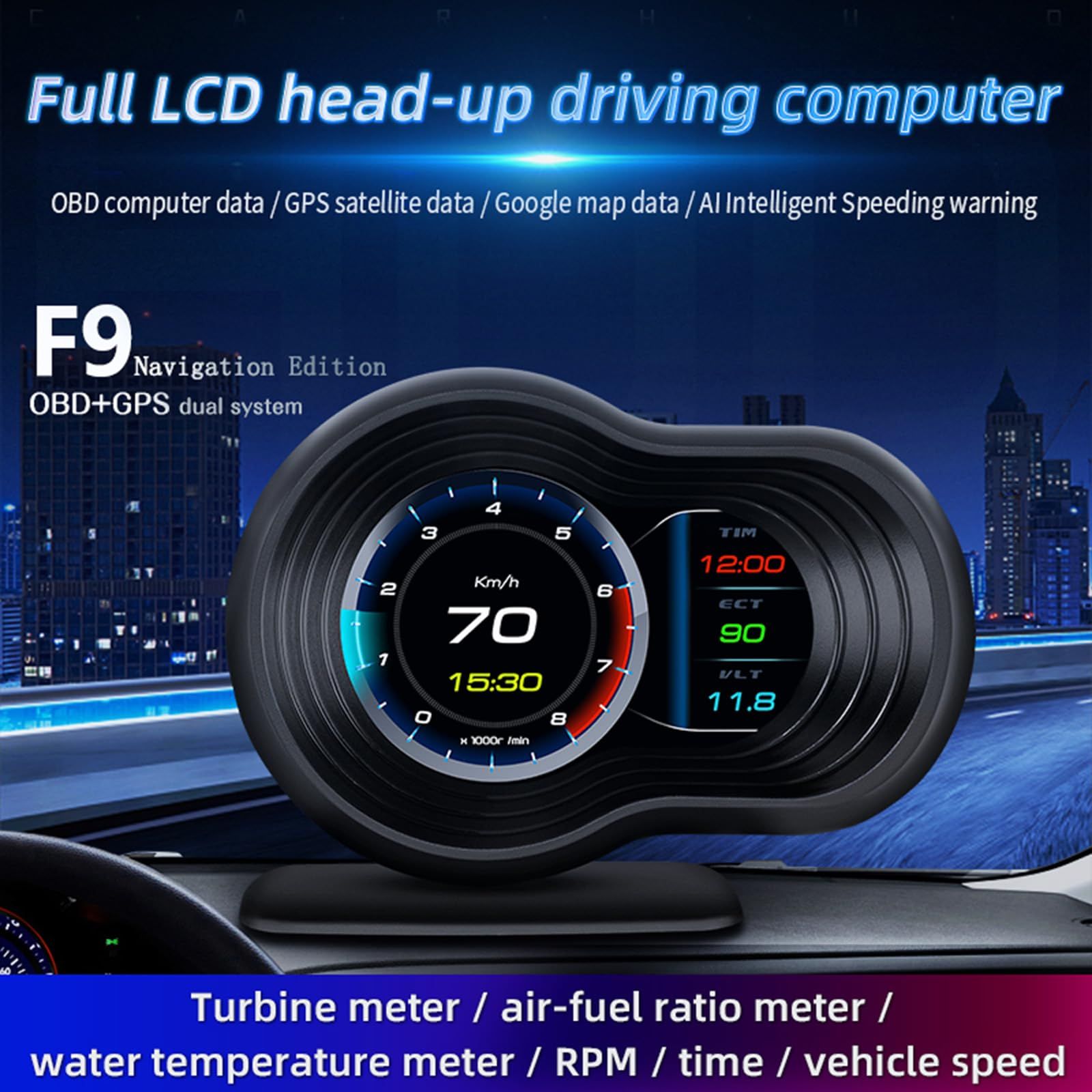
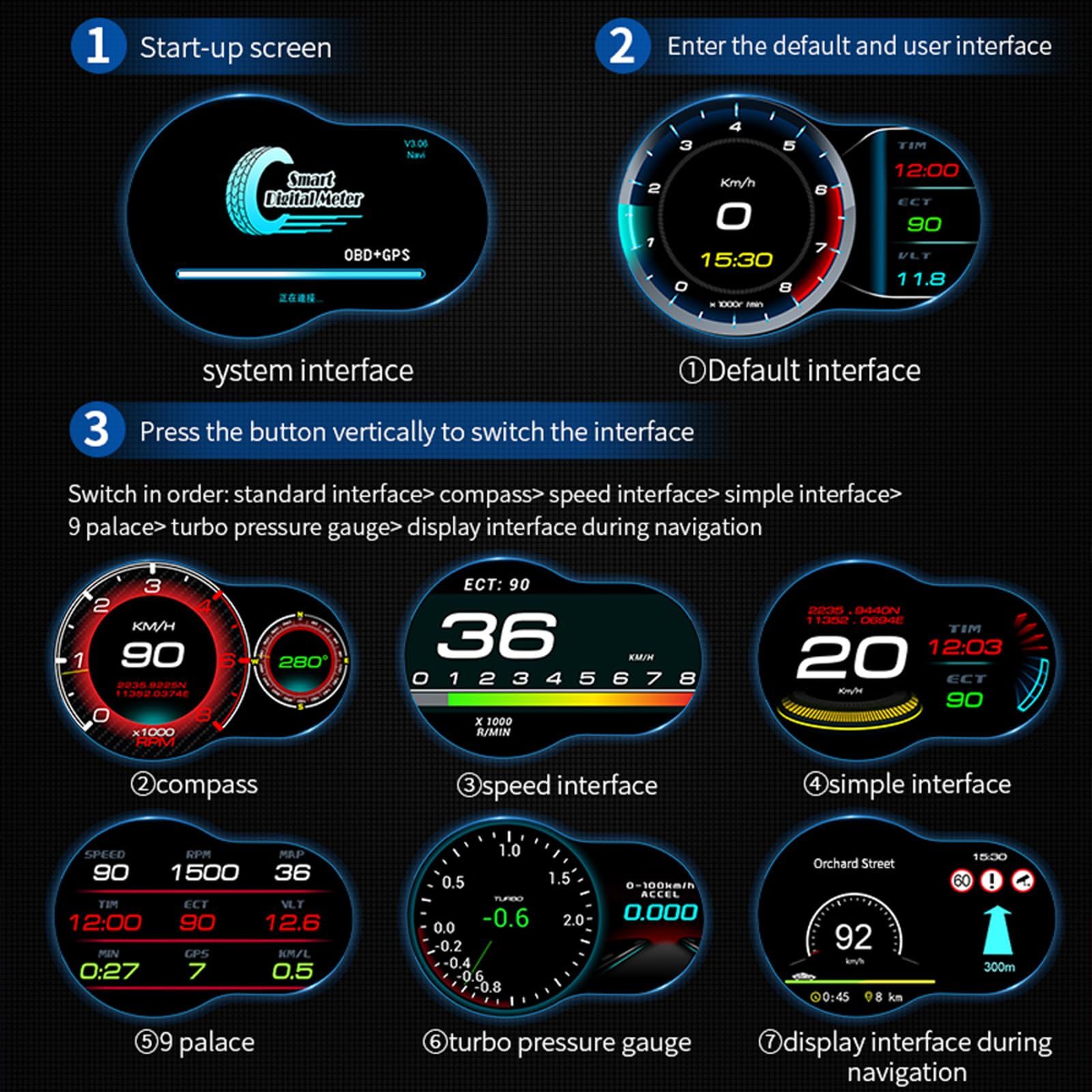
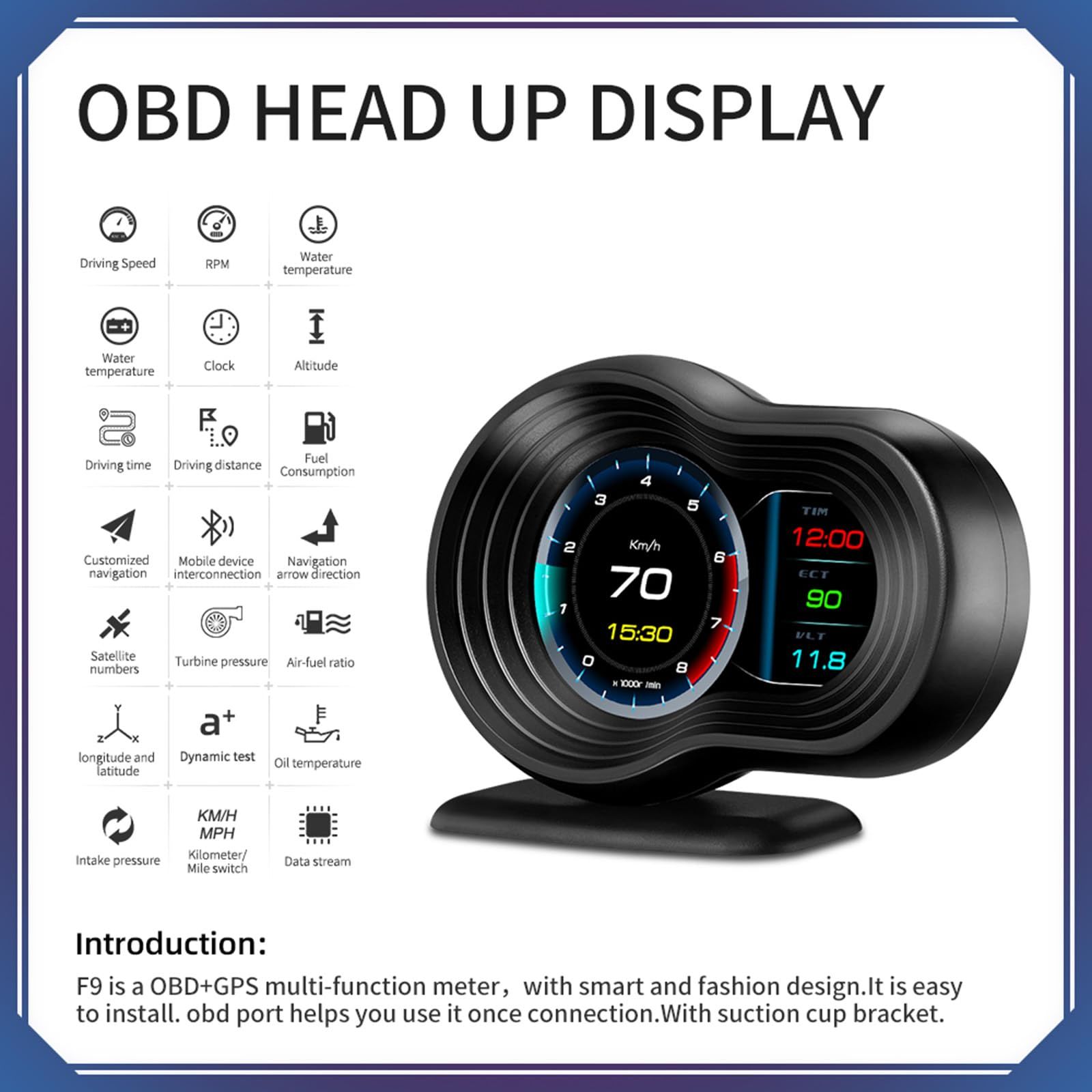
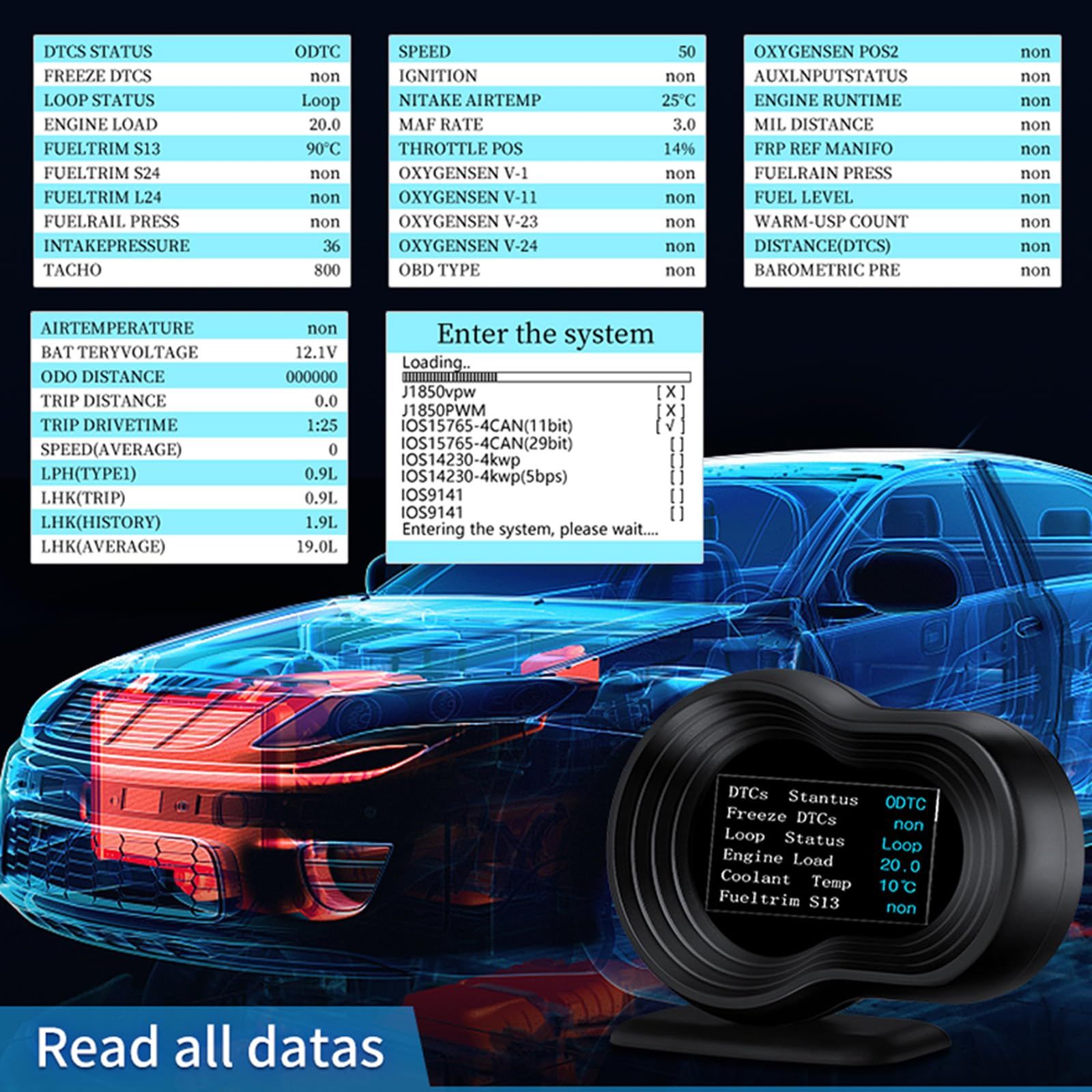
- Dual system head up display, clear driving information at a glance: The F9 HUD navigation version integrates OBD diagnosis and GPS positioning functions, displaying real-time vehicle data such as water temperature, speed, voltage, turbine pressure, and synchronously providing position, altitude, and driving direction. All information is projected onto the front windshield through a full LCD screen, without the need to look down, significantly improving driving safety and convenience.
- Intelligent safety warning and early prevention of driving risks: The OBD2 gauge display is equipped with multiple alarms such as low voltage, high water temperature, overspeed, and engine failure, and supports custom thresholds. AI intelligent speeding warning combined with real-time GPS map data, issuing warnings before speeding, comprehensively monitoring vehicle status, helping you prevent potential problems and ensure driving safety.
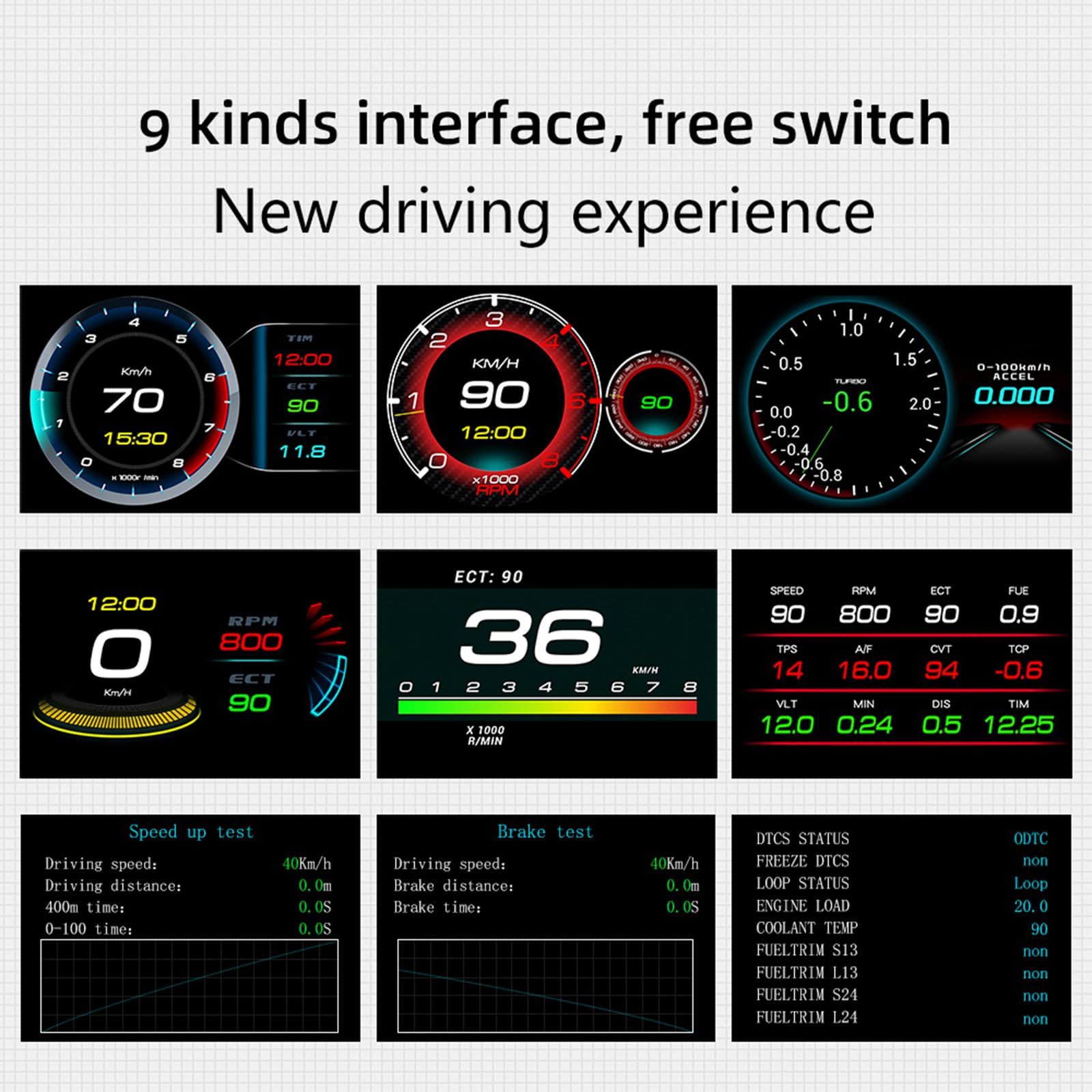
- Professional vehicle condition testing, real-time monitoring of engine performance: heads up display for cars provides 0-100km/h acceleration and 100-0km/h braking tests, intuitively evaluating vehicle performance. Real time display of turbine pressure and air-fuel ratio, dynamic monitoring of engine operating conditions, combined with whole vehicle data stream reading, comprehensively grasp the health status of the car.
- Accurate fuel consumption analysis, optimizing driving habits: Speedometer records detailed mileage, time, average speed, and real-time fuel consumption, providing historical and average fuel consumption data. Through precise statistics, we help you understand the impact of driving behavior on fuel consumption, guide economical driving, and reduce vehicle costs.
- The interface is highly customizable, compatible and easy to operate: the digital speedometer for car supports more than 8 interface colors and hundreds of layout combinations, and units and languages can be freely set. This product follows the OBDII and EOBD protocols, and the OBD system is only applicable to some gasoline vehicles manufactured after 2009; If your car is a diesel or pre-2009 model, you can only use GPS mode. If the OBD system is not compatible, please switch to the GPS system.
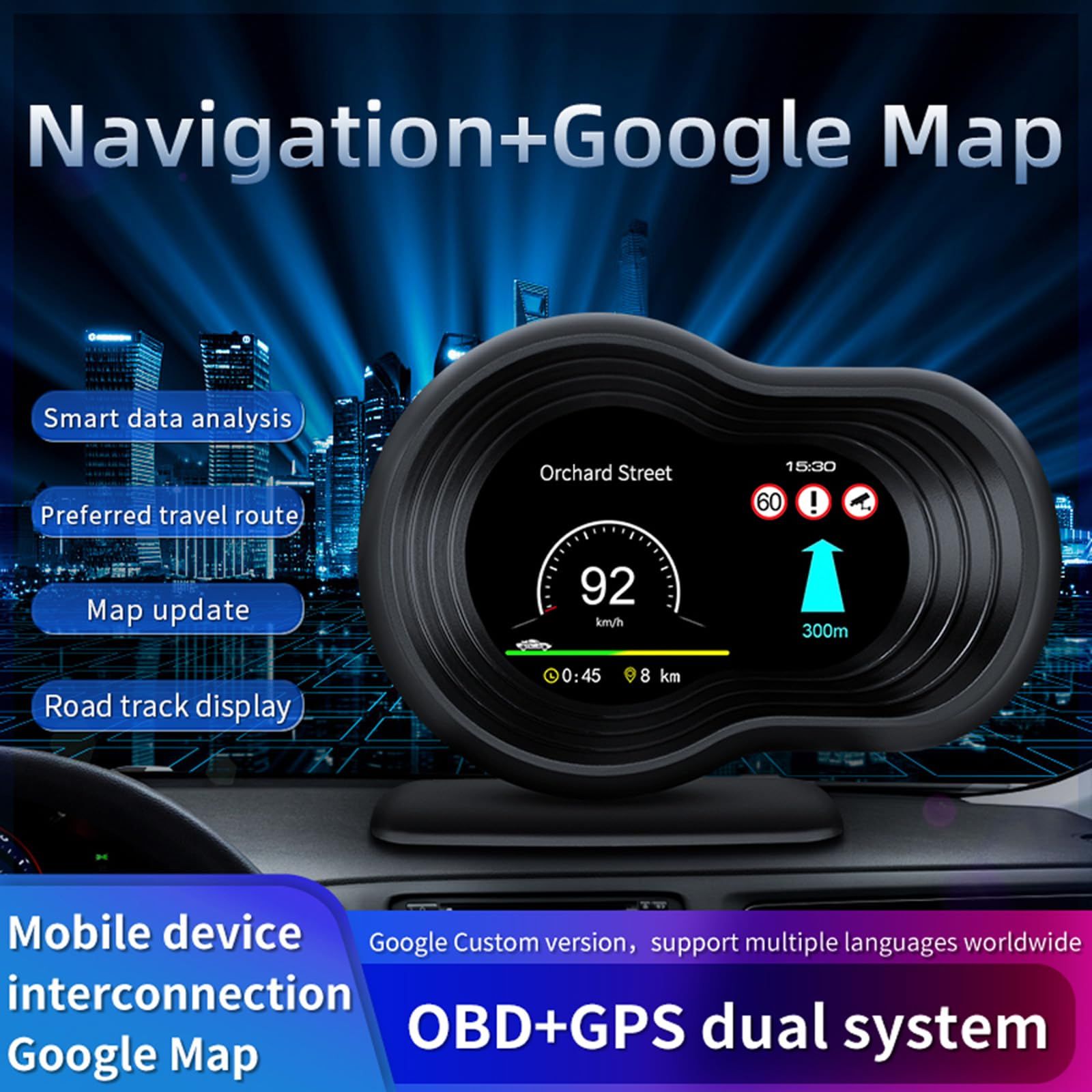
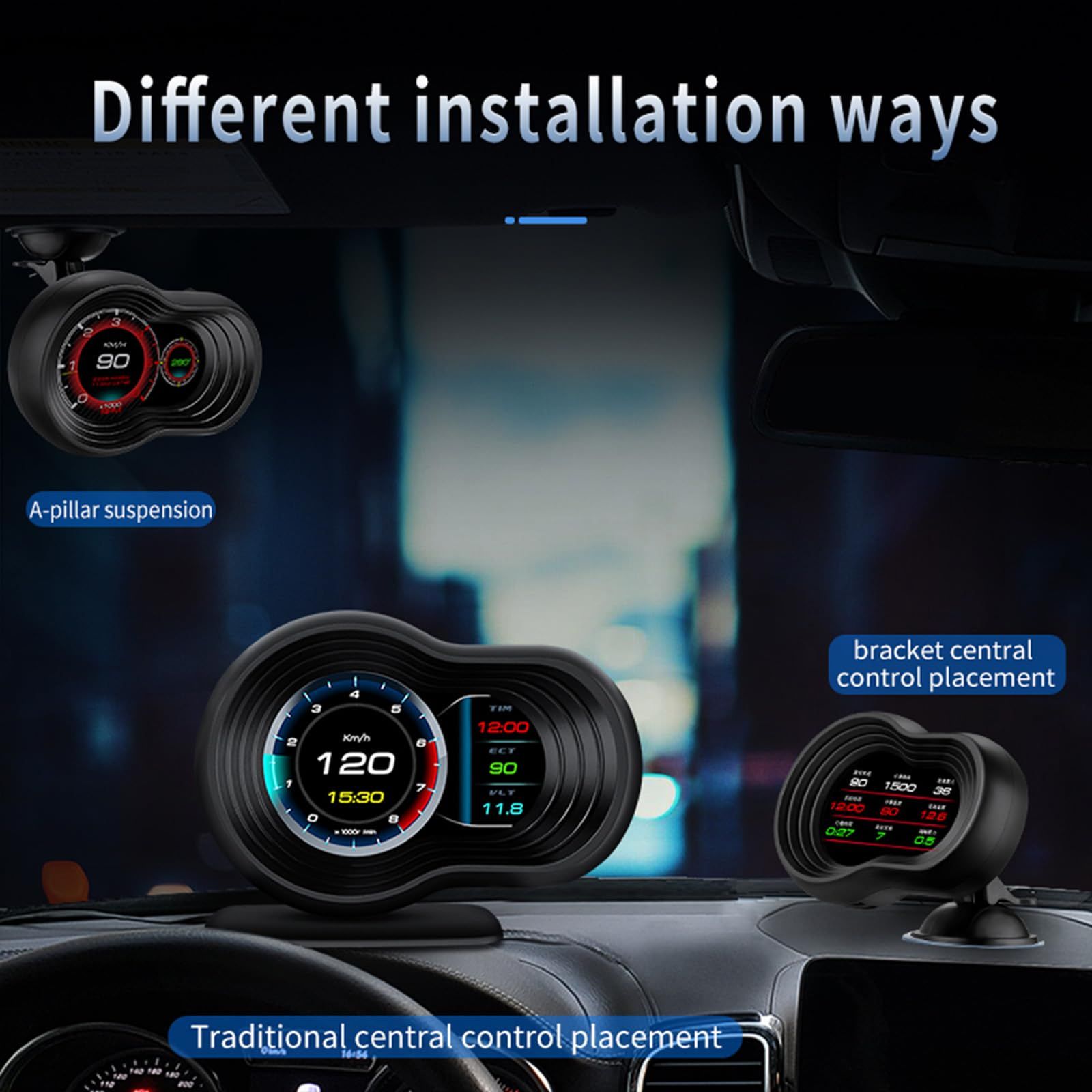
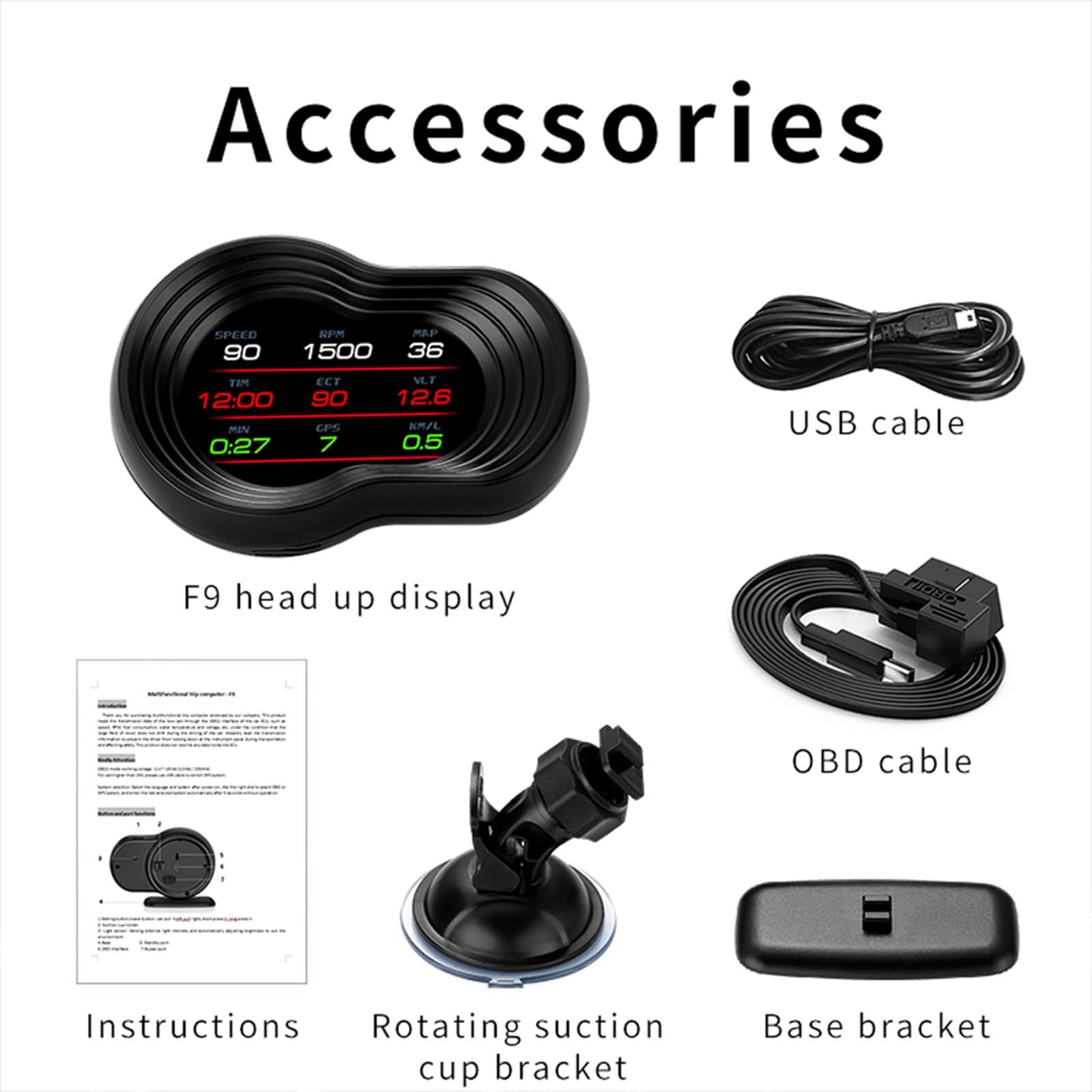
- Easy installation suitable for multiple scenarios, intelligent navigation interconnection: OBD2 gauge plug and play, equipped with suction cup and base, supporting multiple installation methods such as A-pillar and center console. Can be connected to mobile phones, projecting navigation routes, lane guidance, and electronic eye prompts on HUD, combined with Google Maps data, providing intelligent travel guidance.
- Navigation function usage method: Please download the WiiYii APP application software in advance and pair your smartphone with this HUD device through Bluetooth wireless connection. After connection, the navigation information in the APP will be synchronized in real-time to the HUD interface for display.
Product description


Frequently asked questions
1. There is no display on the screen and there is no power supply: Check if the OBD cable is loose and unplugged repeatedly. If it still does not display, it is recommended to replace the car and test it to analyze whether the OBD diagnostic interface of the car is broken. If it is the OBD diagnostic interface that is broken, it is recommended to repair the OBD interface and reconnect the machine.2. It has been powered on, but the screen only displays voltage, which will automatically turn off after 30 seconds
HUD products are only applicable to OBDII and EOBD; Year of automobile production (OBDII and EOBD were only used after 2008); Suggest replacing the car after 2008 for use
3. There is an error between the vehicle speed and the dashboard display: please check if the unit is correct in kilometers (KM)/miles (MPH); After the normal display is turned on, press and hold the dial vertically for 2 seconds to enter the system settings. Turn the dial right to switch to the system settings and select speed error adjustment for fine adjustment (such as the instrument displaying 100 km/h and the device displaying 105 km/h, turn the dial up to adjust the parameter value to 102)
4. Fuel consumption error: Check the displacement of your vehicle model and set the engine displacement to the same value in the system settings (such as adjusting the 2.0L parameter value to 2.0L). If the displacement is the same, you can also fine tune the fuel consumption data in the system settings (such as adjusting the device to 98% when the device displays 0.2L higher than the instrument voltage). Suggestion: Since this data is from the driving computer, there is no need for fine tuning.
5. Unable to shut down: After the car is turned off, the machine shows a speed display and cannot be shut down. In the system settings, select the shutdown voltage setting to 13.2V or 13.6V, and the car will automatically shut down after waiting for 3 minutes to turn off.
6. A car that automatically starts and stops when the brake is applied and the machine turns off at traffic lightsAdjust the shutdown voltage setting in the system settings to COM mode
7. Turn off while driving, engine off, hybrid car: Adjust the shutdown voltage setting in the system settings to COM mode; If not resolved, adjust the shutdown delay setting in the system settings to 180 seconds, wait for 3 minutes after turning off the car, and then shut down
8. Error operation causing crash: Is the OBD2 interface using other OBD devices (locator tire pressure monitoring, lock up, window folding ELM27); Modified or retrofitted (central control navigation, electronic throttle, accelerator, cruise control, flashing computer system; one key start, keyless entry, remote start) can cause crashes. Remove other OBD devices and use this product directly
Accurate fuel consumption analysis, optimizing driving habits


Speedometer records detailed mileage, time, average speed, and real-time fuel consumption, providing historical and average fuel consumption data. Through precise statistics,we help you understand the impact of driving behavior on fuel consumption, guide economical driving, and reduce vehicle costs.


Intelligent safety warning and early prevention of driving risks


The OBD2 gauge display is equipped with multiple alarms such as low voltage,high water temperature,overspeed,and engine failure, and supports custom thresholds.Issue warnings before speeding, comprehensively monitor the vehicle's condition, help prevent potential problems, and ensure driving safety.


